Build with Claude Code or Codex
Your agent writes the funnel. You press publish.
Cashowary is an MCP server. Connect it in one line and your agent can read your brand, offers and results, then write pages and funnels as drafts.
claude mcp add --transport http cashowary http://localhost:3000/api/mcpcodex mcp add cashowary --url http://localhost:3000/api/mcpRun it, then sign in when your agent opens the browser. Works with any client that supports remote MCP over HTTP.
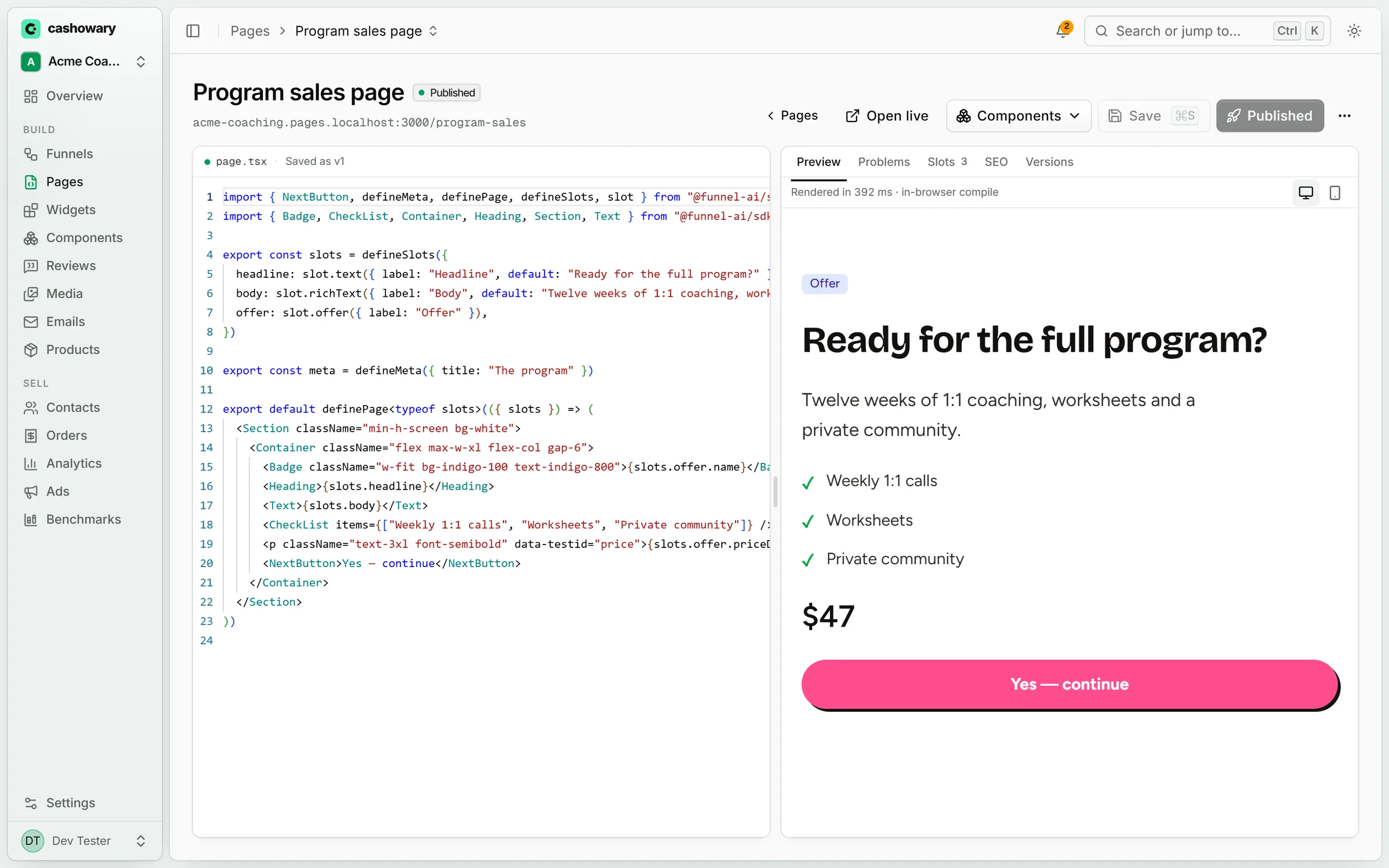
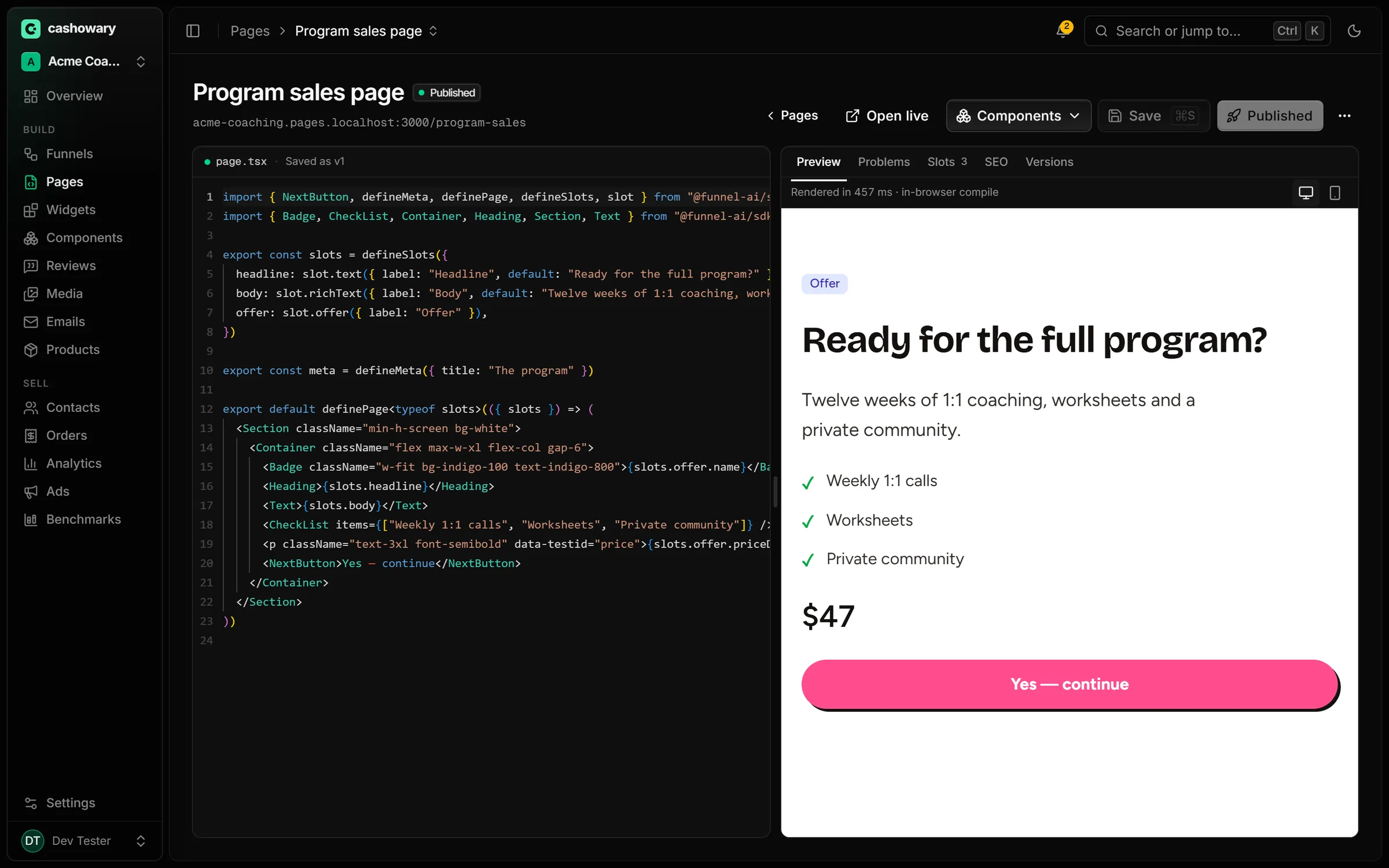
Agents draft. A person publishes.
Agents write drafts. Making a page or funnel live, switching sales back on, refunds and payouts need a person in the app. The one live change an agent can make is to pause a step or funnel (sold out, deadline passed); only a person can resume it. Page code never sets an amount: prices are resolved on the server from the offer you bound.
What it can do
Everything your agent needs to build and improve a funnel.
Pages
Create pages, edit their code, set SEO, and read back any earlier version.
- create_page
- update_page_source
- update_page_seo
- list_page_versions
Funnels
Lay out steps, choose the entry step, and set up split tests between whole paths.
- create_funnel
- update_step
- set_entry_step
- set_split_branches
Components and brand
Read the brand kit, reuse proven sections, and save new ones to the library.
- get_brand
- list_components
- insert_component
- put_component
Offers
Bind your products and offers to pages, and set tiers and discounts. Prices are resolved on the server.
- list_products
- list_offers
- set_offer_rule
- list_discounts
Ads
Read Meta ads and their results, and check each ad against the page it lands on.
- list_ads
- get_ad_performance
- get_ad_creative
- check_congruence
Results and speed
Read path analytics, component scores and speed reports before proposing a change.
- get_funnel_analytics
- get_component_results
- get_speed_report
- list_speed_issues
Previews in the chat
See the page before you open the app.
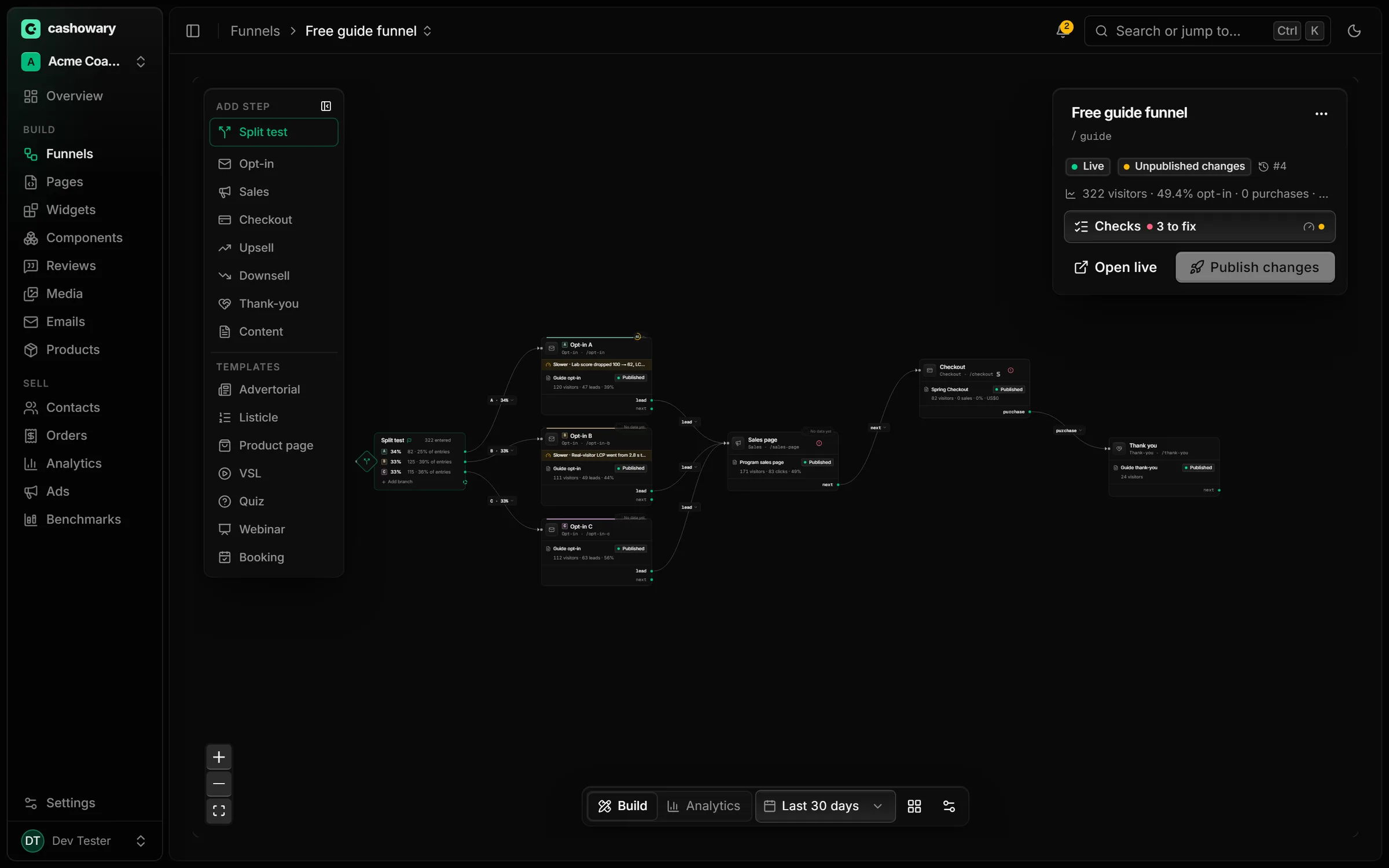
Render tools return an image of what your agent just built, right in the conversation. In clients that support MCP Apps, they open as live views you can click around.
render_previewa page, at phone and desktop widthrender_funnelthe funnel canvas, steps and connectionsrender_componenta single component from the libraryrender_widgeta widget such as a countdown or quizrender_emailan email templaterender_adan ad mock-up next to its landing pagerender_analyticsa results card for a funnel or path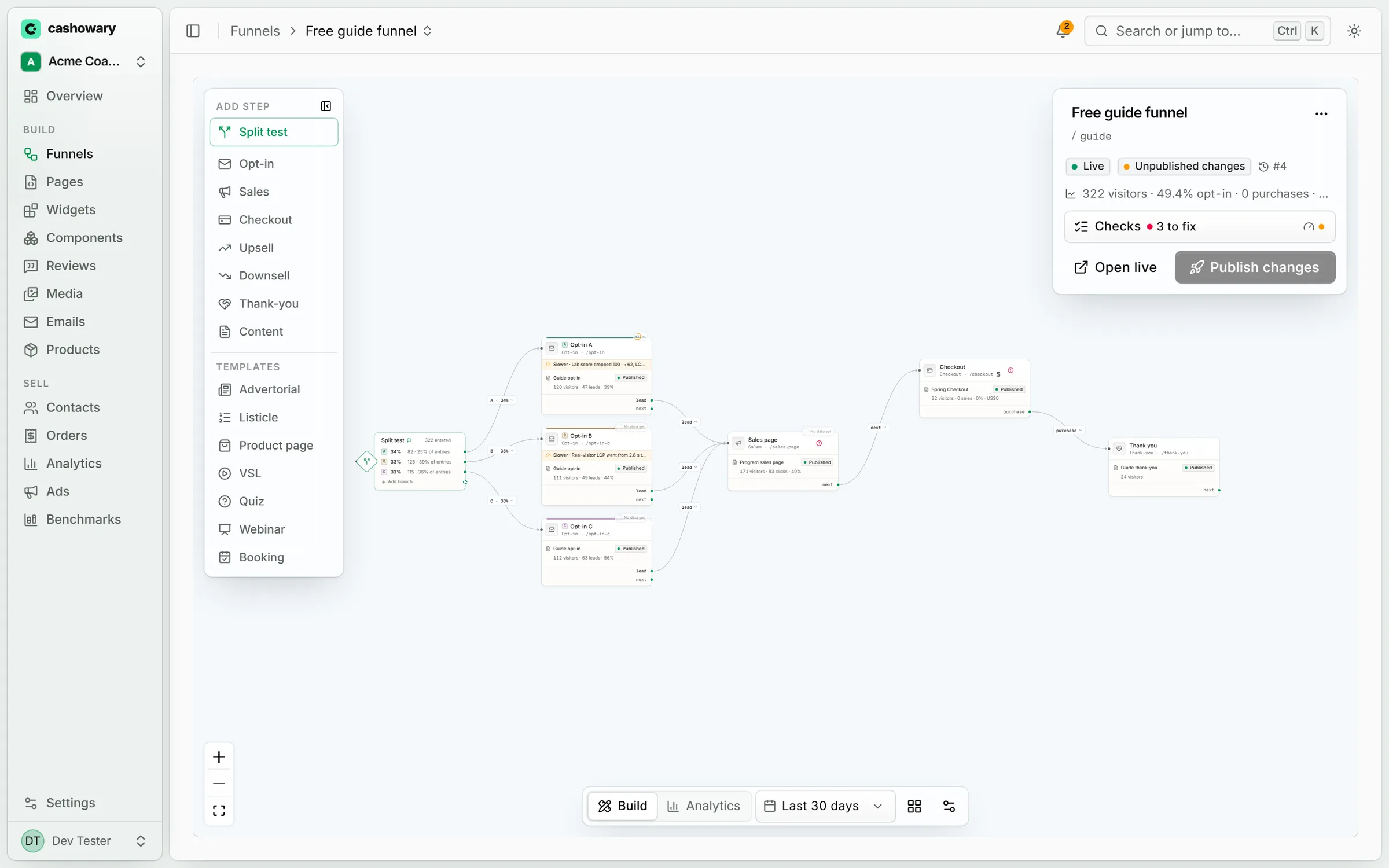
Setup
Three steps
- 01
Create a workspace
Start free in the app and connect your Stripe account.
- 02
Add the server
Run the one-line command above in Claude Code or Codex, then sign in.
- 03
Ask for a funnel
Tell your agent what you sell and send a page you like. Review the draft, then publish.
Connect your agent in a minute.
Start free, connect your Stripe, and publish when you're happy. Dangerous to your competitors. Delightful to your customers.